

Search location
This article introduces how to search for relevant locations based on keywords on the map and display the location information and contact details of the locations in the search results.
To obtain relevant POI information based on keywords, the AMap.PlaceSearch location search plugin needs to be used
Keyword Search Example
1、Implementation Steps
If you want to search for food-related POIs in New York.
1.1 Create a map
const map = new AMap.Map("container", {
  viewMode: "2D",
  zoom: 11,
  showOversea: true, //Enable world Map
  center: [-73.991542, 40.713146],
});1.2 Introduce and create search service plugins, search for keywords and view results
As with the introduction and installation of the previously mentioned controls, it is recommended to use asynchronous plugin installation. Introduce plugins on-demand through the AMap.plugin method and use the plugin functions after the plugin callback. Plugin introduction method Plugin usage.
AMap.plugin(["AMap.PlaceSearch"], function () {
  const placeSearch = new AMap.PlaceSearch({
    pageSize: 5, //Number of results per page
    pageIndex: 1, //Page number
    city: "840380000", //Point of Interest City
    map: map, //Map instance displaying the results
    panel: "my-panel", //The parameter value is the ID value of your page-defined container
    autoFitView: true, //Whether to automatically adjust the map view
  });
  placeSearch.search("food"); //Use the plugin to search for keywords and view the results
});
Because the panel parameter (panel: 'my-panel') was used when instantiating the plugin, the search results will be displayed in the results panel after executing search()
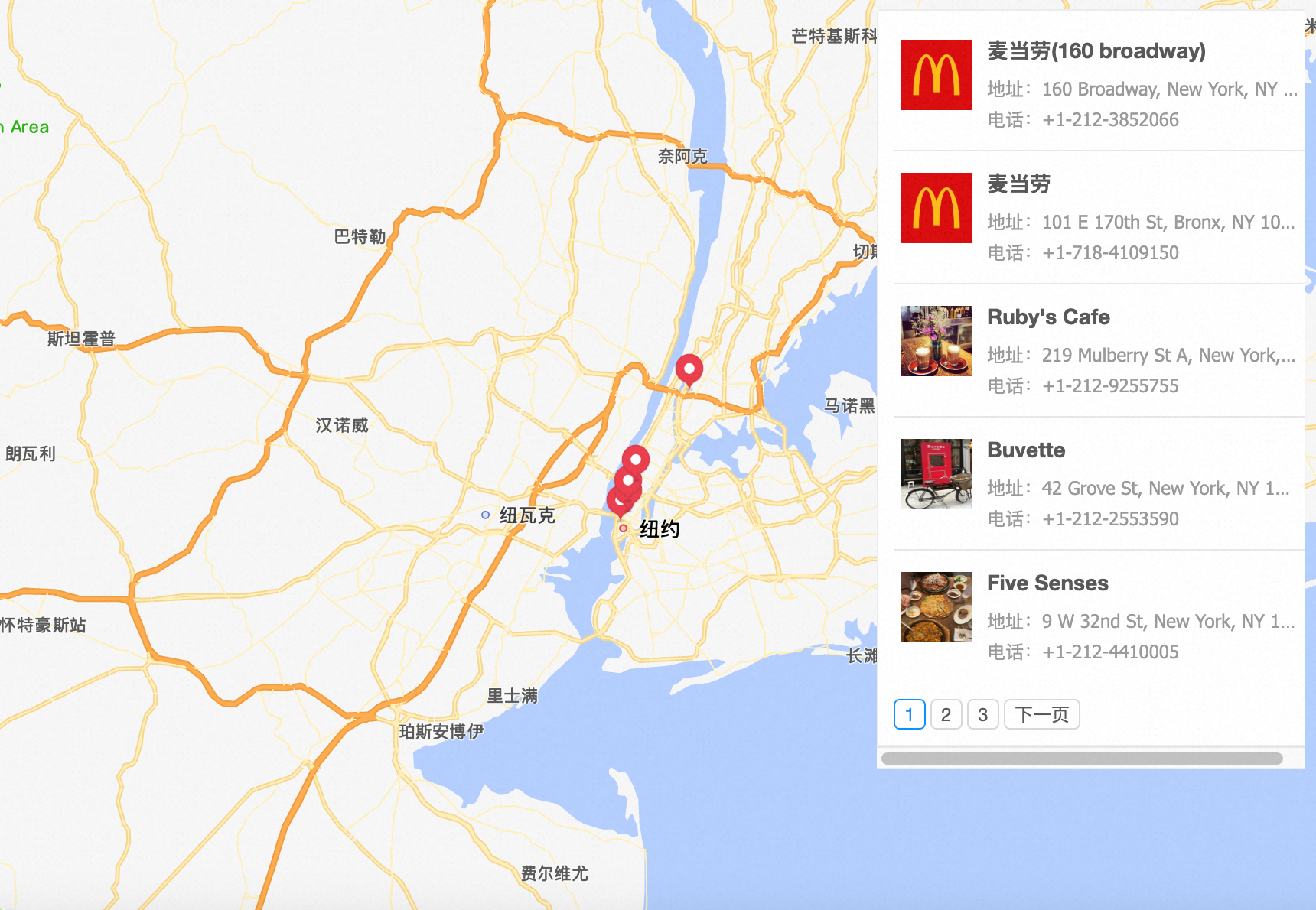
Note: You can customize the style of the result panel through CSS, including width, height, position and other attributes
If you do not want to use the result panel of the JS API, the panel can be omitted or set to false, and then handle your own logic in the callback of search(), For advanced tutorials go to the input prompt and POI search documentation.
//Using plugin functionality in callback functions
placeSearch.search("food", function (status, result) {
  //When the query is successful, result corresponds to the matched POI information.
});