

Add map controls
This article introduces the use of map controls, and the use of plugins can also refer to this article.
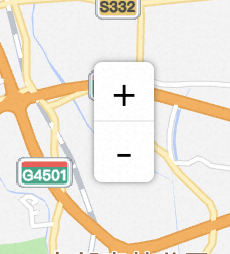
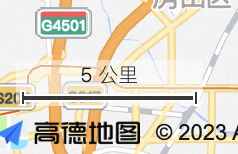
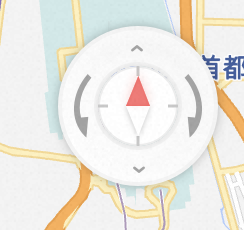
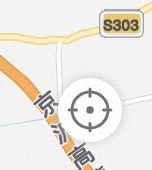

The JS API provides numerous controls, with map controls being plugins that enhance the interactive experience and functionality of the map. These can display various operational buttons on the map such as scale bars and layer switches to facilitate user interaction and information display.
Map Control Example
1、Implementation steps
Common map controls include: the zoom toolbar ToolBar, the scale Scale, and the geolocation button Geolocation, etc. This example will explain in detail using the zoom toolbar as an example.
1.1 Create map
const map = new AMap.Map('container', {
  zoom:11,
  showOversea: true, //Enable world Map
  center: [77.193045, 28.59086]
});1.2 Introduce map controls
Recommend asynchronous loading method, introduce it where needed. Use the AMap.plugin method to load controls on demand, and use the control functions after the plugin callback.
//Asynchronous Loading Control
AMap.plugin('AMap.ToolBar',function(){
  var toolbar = new AMap.ToolBar();
  map.addControl(toolbar);
});After completing this step, the zoom toolbar control has been successfully integrated into the map. Creating other controls follows the same principle. For more controls such as scale bar, overview map, and location, visit the plugin list. For more information on control introduction methods, visit the plugin usage.
1.3 Control map widget
For different controls or plugins, there are corresponding instance methods. After the control is instantiated, you can call the corresponding methods to control the control.
toolbar.show();
toolbar.hide();