
Set Up with CocoaPods
Automated Deployment
Automated deployment helps you save time on project configuration and get started with development more quickly.
Install CocoaPods
Step 1: Upgrade gem
An outdated gem version may cause installation or upgrade failures. Upgrade gem using the following command:
sudo gem update --systemStep 2: Install CocoaPods
Check your OS X version.
If your OS X version is 10.11 or earlier, run the following commands:
sudo gem install cocoapods
pod setup
If your OS X version is later than 10.11, run the following commands:
sudo gem install -n /usr/local/bin cocoapods
pod setup
Note: The installation process may take a long time and could fail due to network conditions. You may need to try multiple times until it succeeds.
Install the SDK Using CocoaPods
Step 1: Create a Podfile
Create a file named Podfile in the same directory as your project's .xcodeproj file. If you haven't created an Xcode project yet, create one and save it to your local computer. The Podfile content should look like this:
platform :ios, '8.0'
target 'YourProjectTarget' do
    pod 'AMapNavi'
end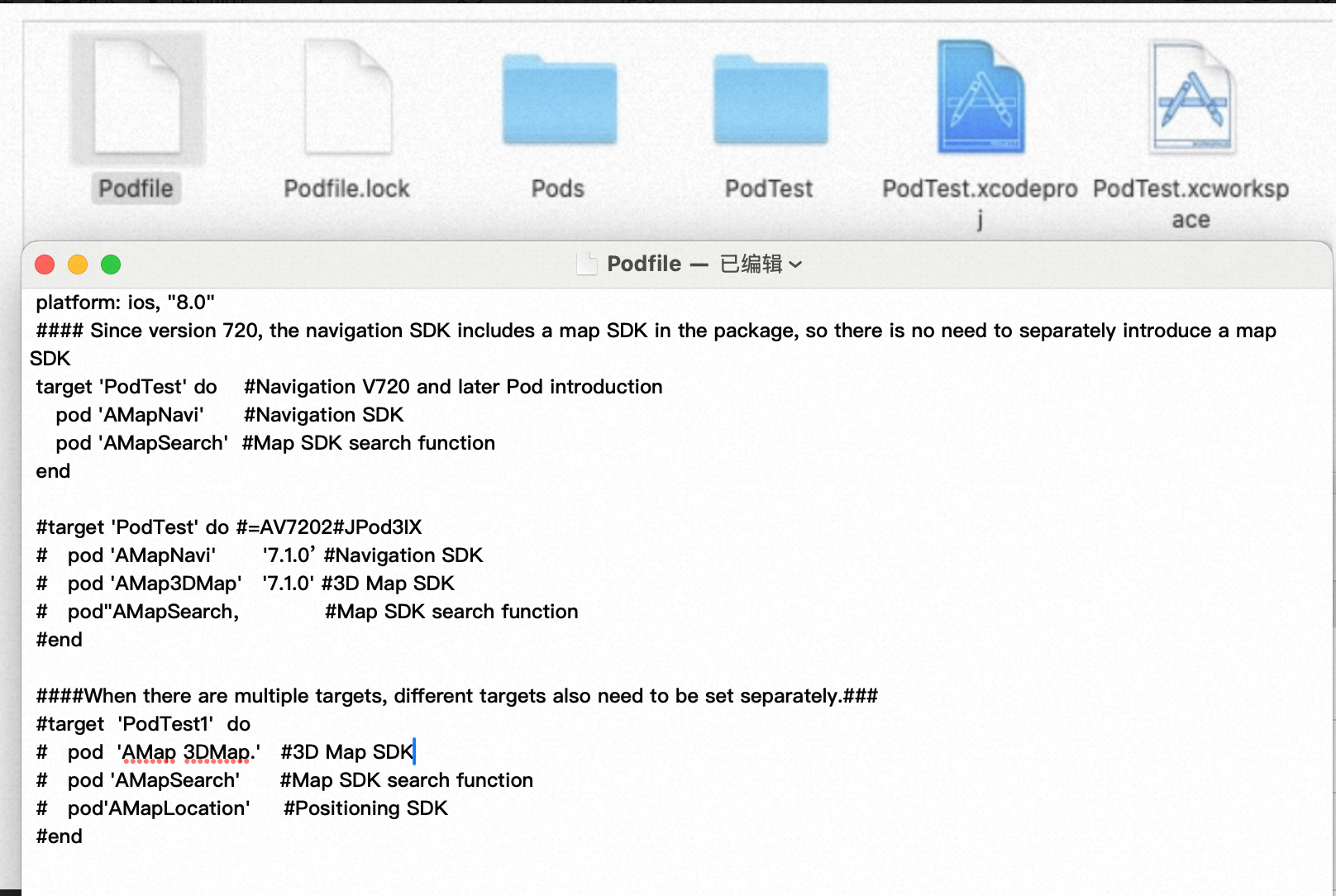
AMAP iOS SDK Pod names
The following table lists the available Pod names for AMAP iOS SDKs:
Step 2: Configure and install the SDK
Run the following commands to configure and install the SDK:
pod repo update   # Ensure the local navigation SDK is up to date
pod install
Step 3: Open the workspace
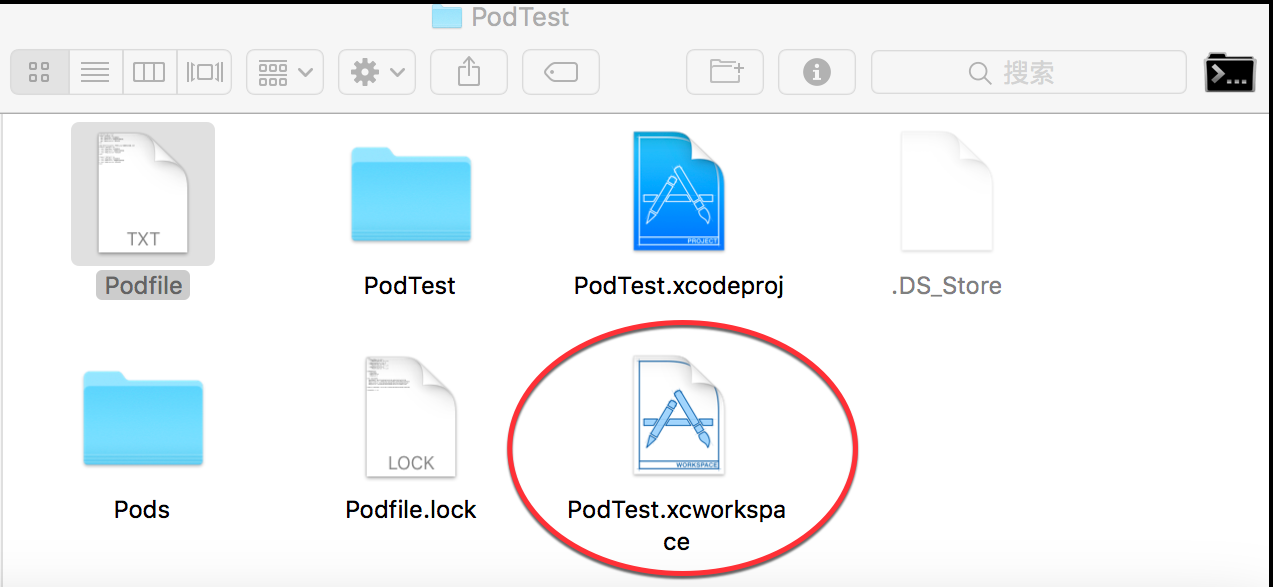
After the command completes successfully, a .xcworkspace file is generated. Open this file to launch your project. Important: Do not open the .xcodeproj file at the same time.
Upgrade the SDK
If you have already installed the AMAP iOS Navigation SDK and want to update to the latest version, run the following commands in the directory containing your Podfile:
pod repo update   # Ensure the local navigation SDK is up to date
pod update
Specify a SDK Version
To use a specific version of the SDK, modify your Podfile to include the version number. For example:
platform :ios, '8.0'
target 'YourProjectTarget' do
    pod 'AMapNavi', '7.6.0'   # Specify the version here
end