
Cycling Routing
The cycling route planning feature is supported from Search SDK version 3.5.0.
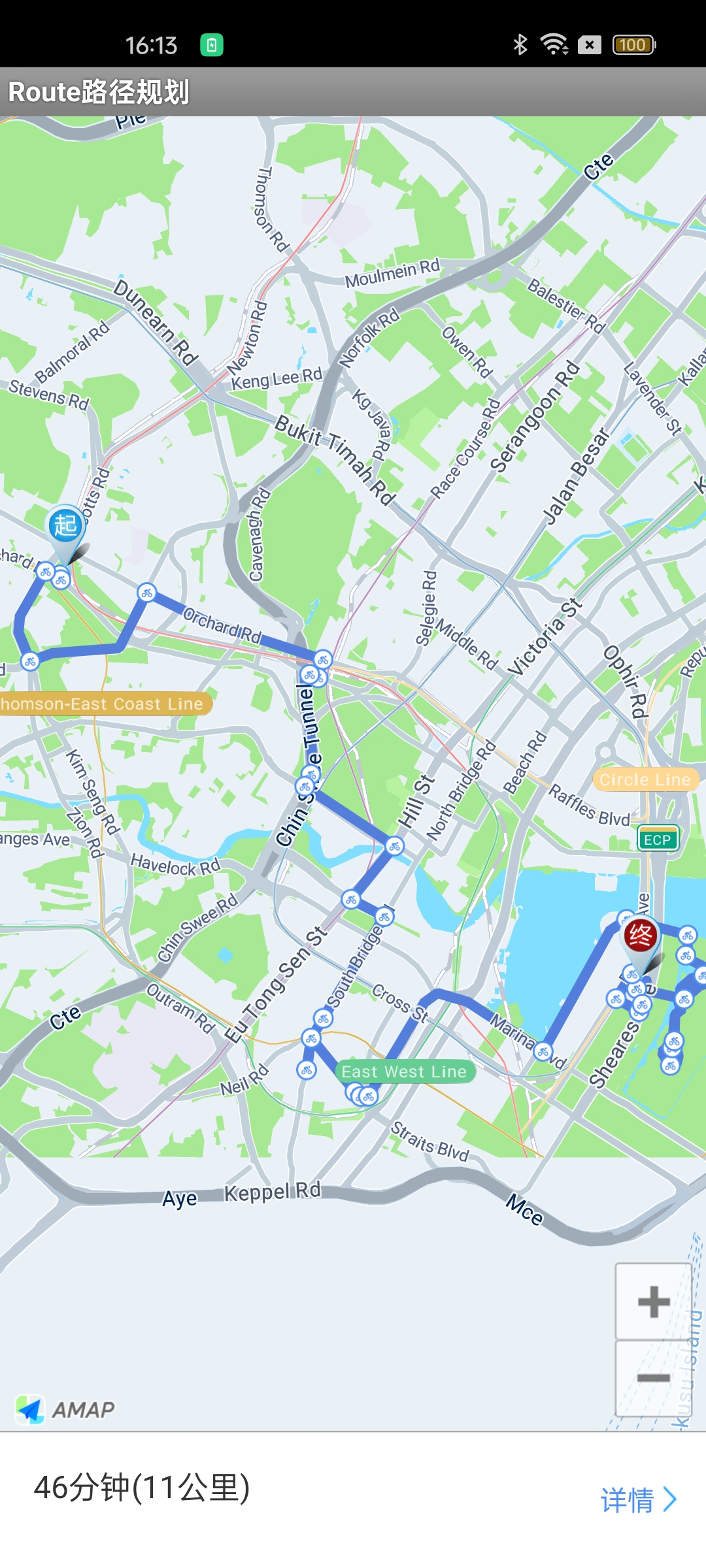
Cycling route planning uses the start and end points along with route data to draw a cycling route overlay with RideRouteOverlay. This overlay includes the start point, end point, and turn points. You can also customize the icons for the start point, end point, and turn points.
Note: Starting from Map SDK V4.1.3, the SDK no longer includes the overlays under the com.amap.api.maps.overlay package. These overlays are now open-sourced in the official demo.
Step 1: Initialize the RouteSearch Object
Initialize a RouteSearch object.
mRouteSearch = new RouteSearch(this);Step 2: Set the Data Callback Listener
Set the route search listener to receive search results.
mRouteSearch.setRouteSearchListener(this);Step 3: Set the Search Parameters
Use RideRouteQuery(RouteSearch.FromAndTo fromAndTo, int mode) to set the search criteria.
- fromAndTo: The start and end points of the route.
- mode: The route calculation mode. Optional. The default value is "Recommended and fastest route combined mode".
final RouteSearch.FromAndTo fromAndTo = new RouteSearch.FromAndTo(mStartPoint, mEndPoint);

RideRouteQuery query = new RideRouteQuery(fromAndTo, mode);
Step 4: Send the Request
Use the calculateRideRouteAsyn(RideRouteQuery query) method of the RouteSearch class to perform the cycling route calculation.
mRouteSearch.calculateRideRouteAsyn(query);Step 5: Receive the Data
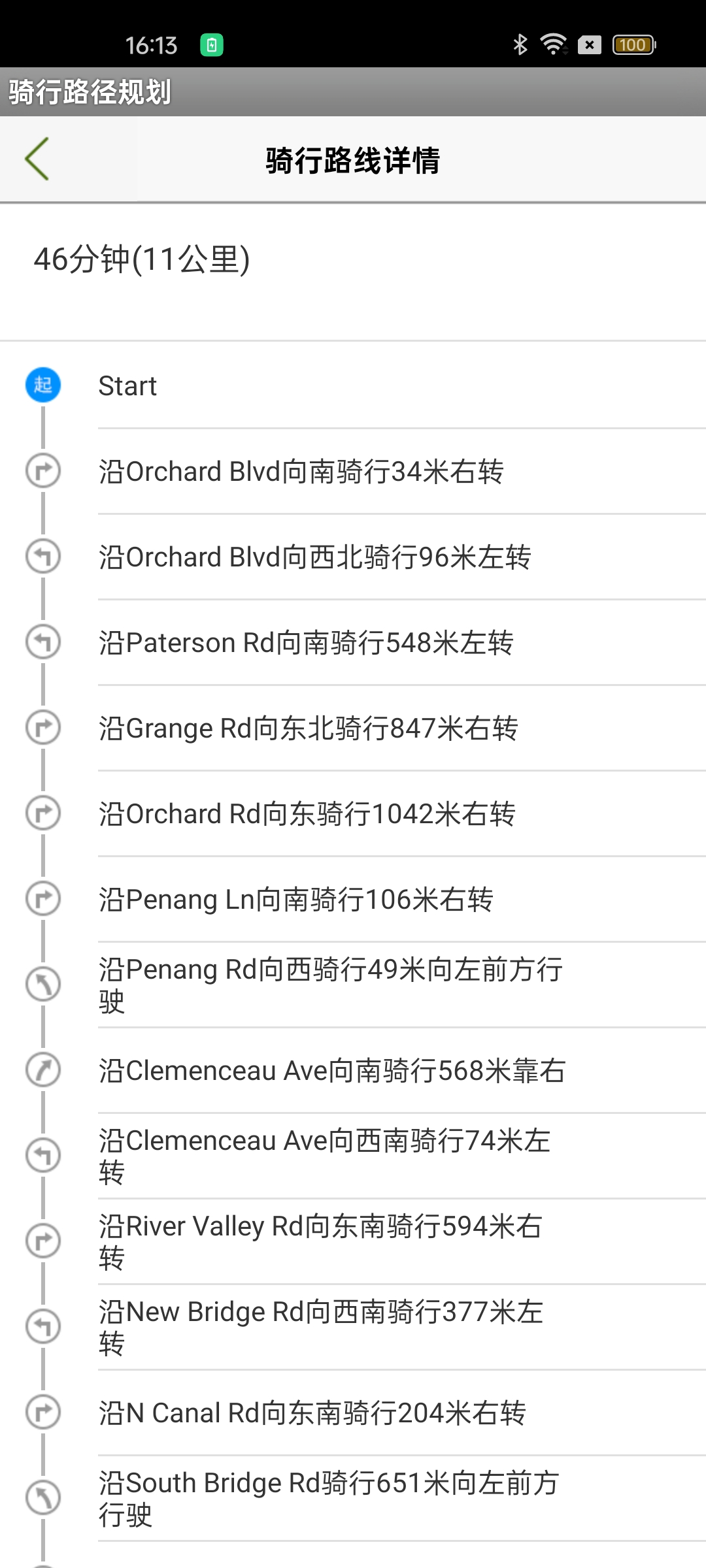
Handle the cycling route planning result in the onRideRouteSearched(RideRouteResult result, int errorCode) callback method of the RouteSearch.OnRouteSearchListener interface. The returned information includes the estimated cycling distance, estimated time, road names, and coordinate points for the route segments.
Notes:
1. Parse the result in the callback to obtain the cycling path.
2. result.getPaths() returns a list of RidePath objects. For detailed information about a cycling path, refer to the RidePath class.
3. The response code indicates success or failure. 1000 indicates success; any other value indicates failure. For details, see the Error Code Reference in the Developer Guide.
@Override
public void onRideRouteSearched(RideRouteResult result, int errorCode) {
      // Parse the result to get the route calculation result. Refer to the official demo.
}
The display effect is shown below:
Notes
- To use the above features, you need to download the Map SDK and import the search function JAR package.
- Starting from Map SDK V4.1.3, the SDK no longer provides the overlay under the com.amap.api.maps.overlay package. It has been open-sourced in the official Demo.