Map Types
The Android Map SDK provides several built-in map layers, including satellite, standard (the default yellow-white map), night, navigation, and traffic layers.
The AMap class defines layer type constants as shown in the table below.
Note: The traffic layer is controlled by a toggle switch, not by a constant.
The following sections describe the satellite, night, and traffic layers.
Satellite Map
The satellite map displays satellite imagery along with road network information. Use the following code to enable satellite mode:
aMap.setMapType(AMap.MAP_TYPE_SATELLITE); // Set satellite map mode. aMap is the map controller object.Display effect:

Night Map
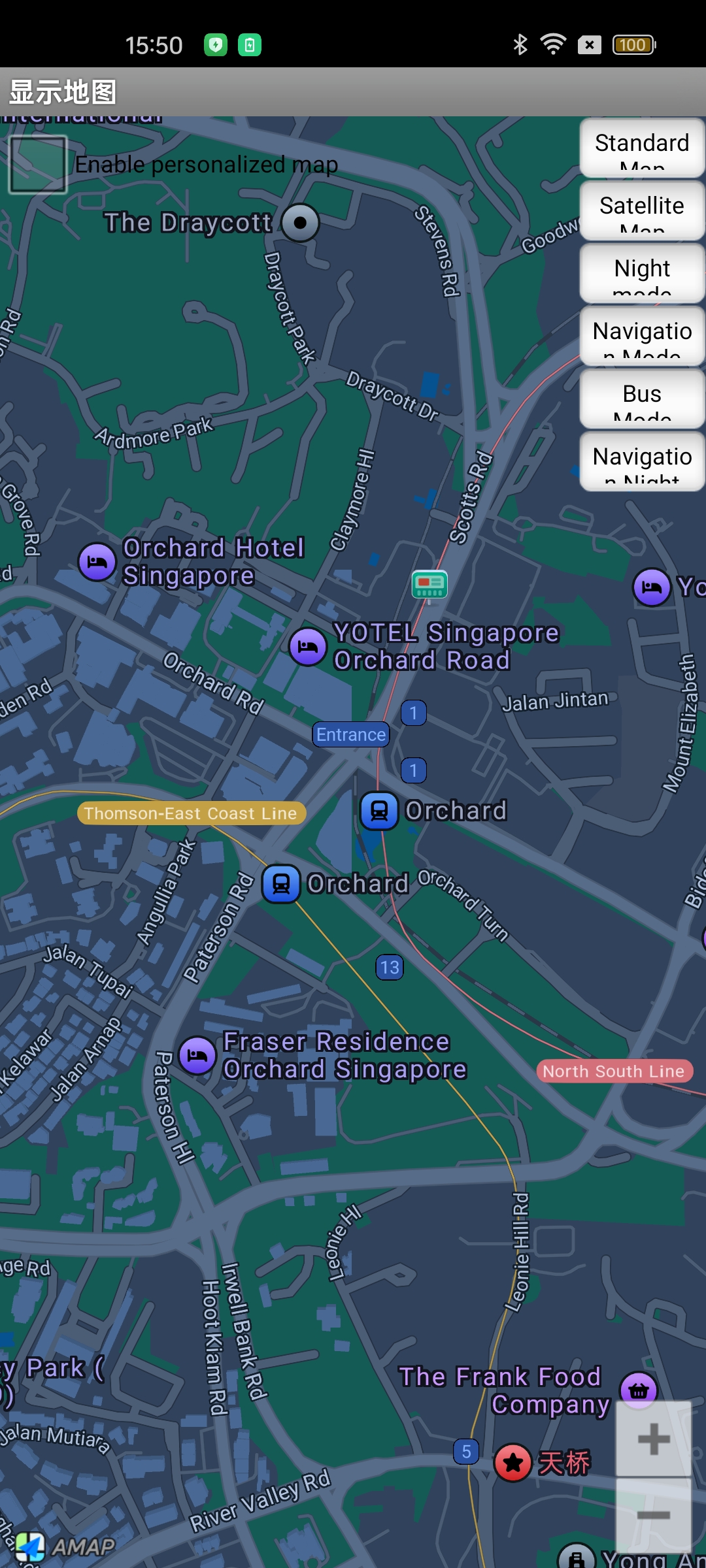
Use the following code to enable night mode:
aMap.setMapType(AMap.MAP_TYPE_NIGHT); // Set night map mode. aMap is the map controller object.Display effect:
Traffic Layer
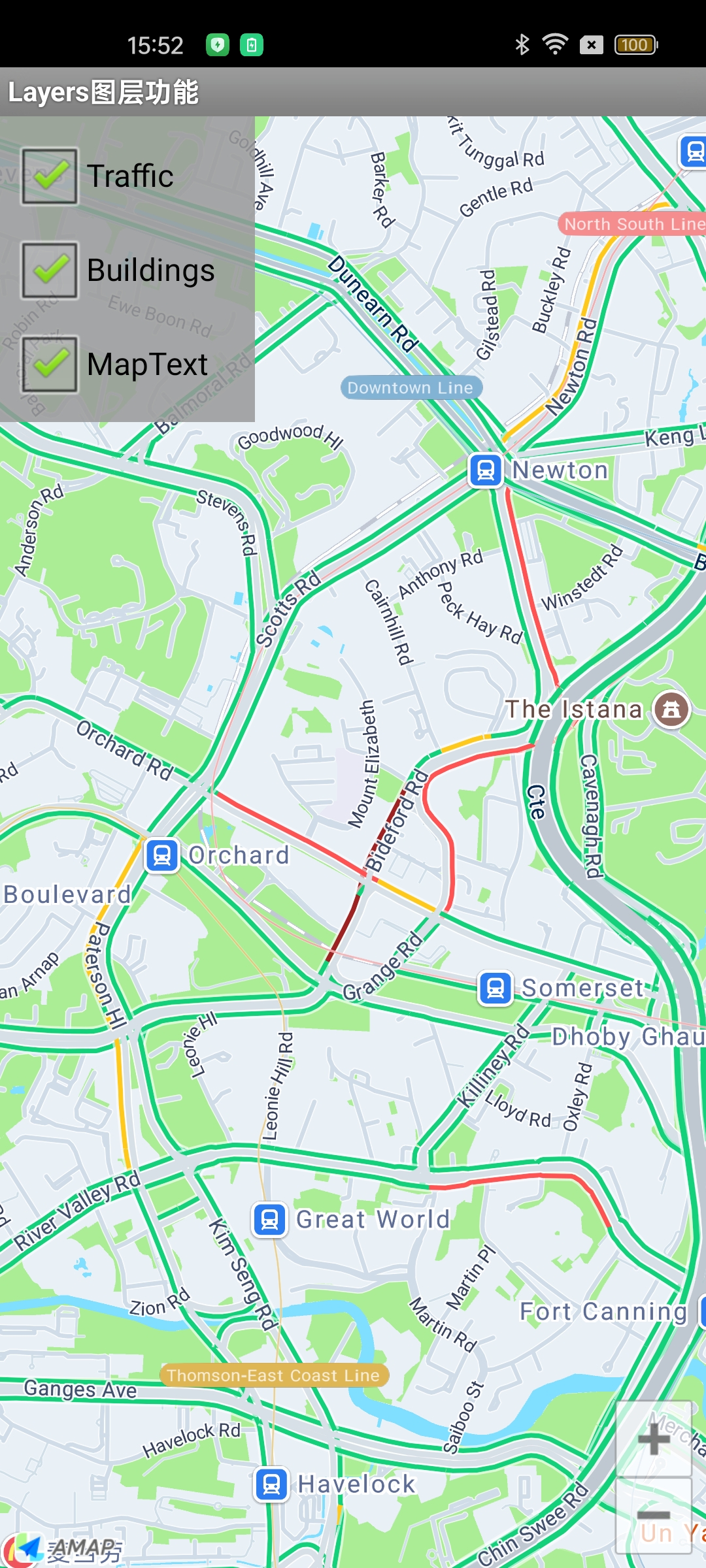
The traffic layer renders real-time traffic data. Unlike the previous two layers, it is enabled using a toggle method:
aMap.setTrafficEnabled(true); // Show the real-time traffic layer. aMap is the map controller object.Display effect: