
Other Customizations
The AMapNaviView interface supports extensive customization of on-screen elements and UI controls, allowing you to create a unique navigation interface that matches your app's business requirements and visual style.
Smart Zoom
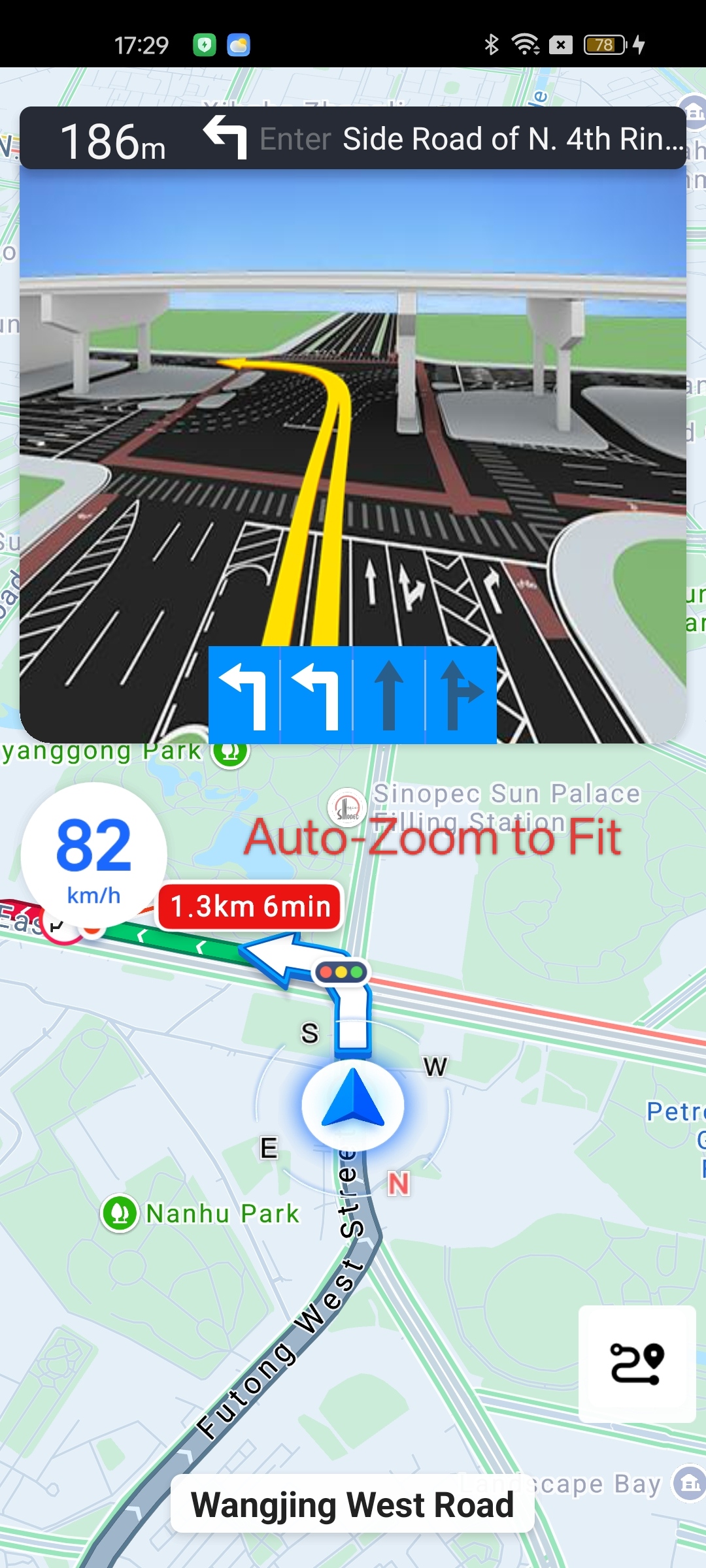
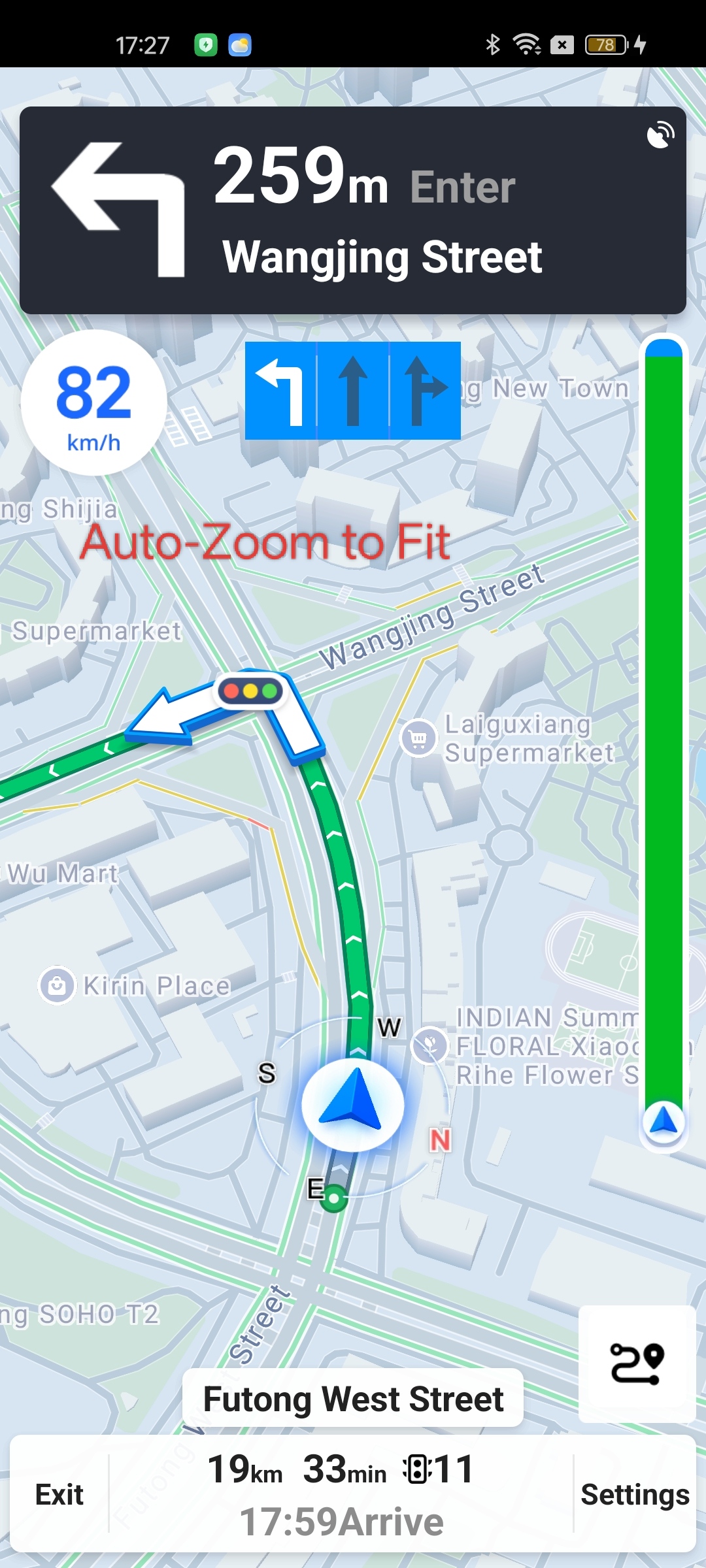
Smart Zoom automatically adjusts the map zoom level when the display is in locked mode, ensuring that the next navigation maneuver (such as a left turn arrow) is visible on the map. This gives you advance notice to prepare, for example, by changing lanes before a turn. You can enable or disable this feature using the following API in AMapNaviViewOptions. The setting can be changed dynamically during navigation.
/**
 * Sets whether to enable dynamic zoom (automatically adjusts map zoom in locked mode).
 * @param isAutoChangeZoom true to enable automatic zoom changes; false to disable.
 * @since 1.5.0
 */
public void setAutoChangeZoom(boolean isAutoChangeZoom)
Day/Night Mode
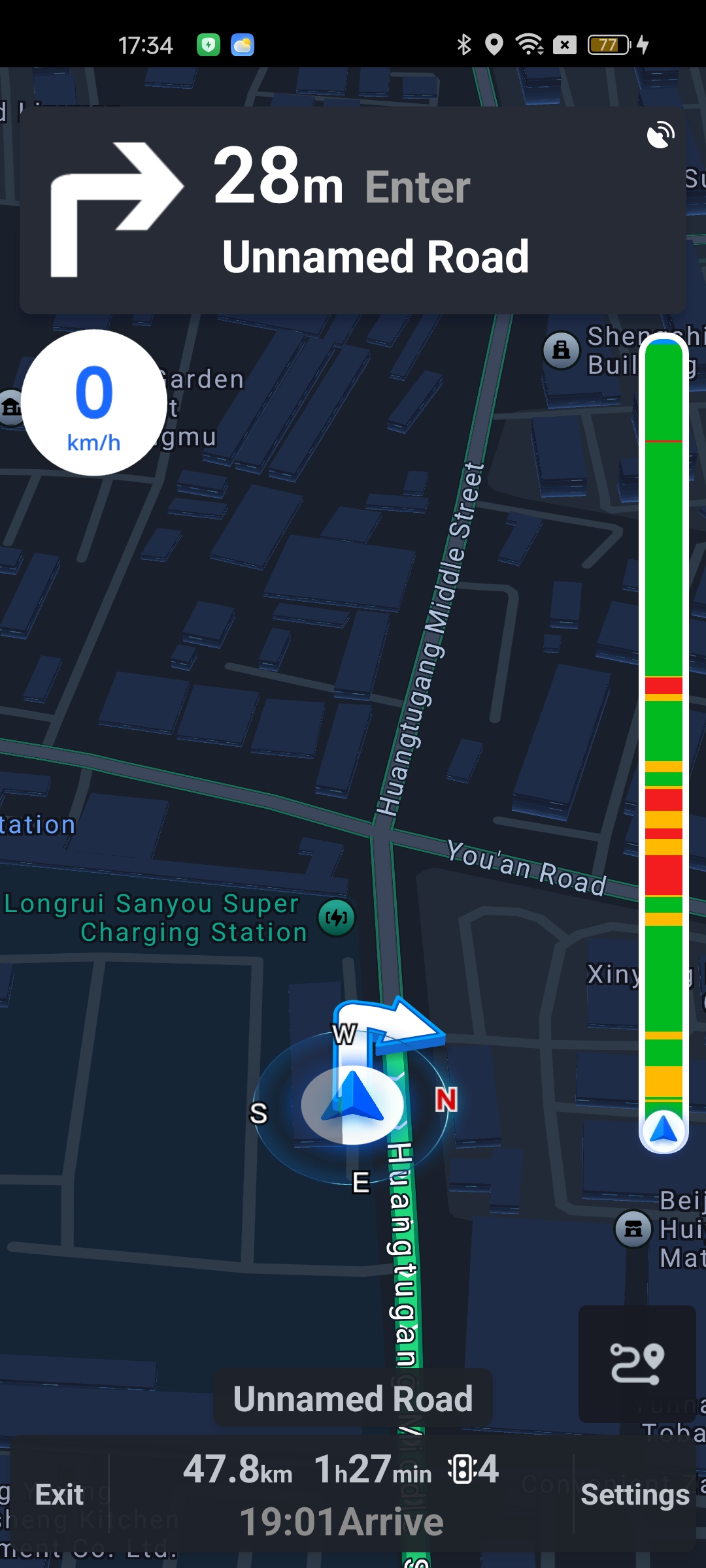
AMapNaviView supports four day/night modes: day mode, night mode, automatic switching based on sunrise/sunset times, and custom map style (highest priority). You can configure these modes using the following APIs in AMapNaviViewOptions. The setting can be changed dynamically during navigation.
/**
 * Sets whether the navigation interface displays night mode.
 * This method is mutually exclusive with
 * {@link AMapNaviViewOptions#setCustomMapStylePath(String path)}.
 * @param isNight true to display night mode; false to display day mode.
 */
public void setNaviNight(boolean isNight)

/**
 * Sets the path to a custom map style file.
 * This method is mutually exclusive with
 * {@link AMapNaviViewOptions#setNaviNight(boolean isNight)}.
 * @since 5.0.0
 */
public void setCustomMapStylePath(String path)

/**
 * Sets whether to enable automatic night mode switching.
 * Default is false (no automatic switching).
 * @param isAutoNaviViewNightMode true to enable automatic switching; false to disable.
 * @since 6.2.0
 */
public void setAutoNaviViewNightMode(boolean isAutoNaviViewNightMode)
Note: Custom map styles are mutually exclusive with day/night mode. If you set a custom map style, the day/night mode settings will not take effect.
Auto-Lock
Auto-lock determines whether the display mode automatically returns to locked mode after a period of inactivity. This applies when the user has touched the map (switching to normal mode) or tapped the overview button (switching to overview mode). For more information about display modes, see Display Mode and Follow Mode. You can configure this feature using the following API in AMapNaviViewOptions. The setting can be changed dynamically during navigation.
/**
 * Sets whether to automatically lock the display after 6 seconds.
 * @param autoLockCar true to enable auto-lock; false to disable.
 */
public void setAutoLockCar(boolean autoLockCar)