Parallel Road Detection
Overview
The parallel road detection feature supports both main/side road status detection and elevated road status detection. When the user is located on a road with two adjacent parallel routes — such as an urban expressway's main road and its side road, or above and below an elevated highway — the ParallelRoadListener callback is triggered. This indicates that the user can manually switch between parallel roads to trigger route recalculation.
/**
 * Notifies that a parallel road switch is available, including main/side roads
 * and above/below elevated roads.
 *
 * @param roadStatus The road status. See {@link com.amap.api.navi.enums.AMapNaviParallelRoadStatus}
 *                   for specific types.
 * @since 6.6.0
 */
void notifyParallelRoad(AMapNaviParallelRoadStatus roadStatus);
The AMapNaviParallelRoadStatus object provides information about the current parallel road status.
/**
 * Elevated road status flag (default: 0).
 * <p>
 * 0: No elevated road.<br>
 * 1: The vehicle icon is currently on the elevated road (the current road has a corresponding
 *    lower-level road; switching to the lower road is possible).<br>
 * 2: The vehicle icon is currently below the elevated road (the current road has a corresponding
 *    elevated road; switching to the elevated road is possible).
 * </p>
 * @since 6.6.0
 */
public int getmElevatedRoadStatusFlag()

/**
 * Main/side road status flag (default: 0).
 * <p>
 * 0: No main/side road (no parallel main or side road adjacent to the current road).<br>
 * 1: The vehicle icon is currently on the main road (a side road is adjacent; switching to the
 *    side road is possible).<br>
 * 2: The vehicle icon is currently on the side road (a main road is adjacent; switching to the
 *    main road is possible).
 * </p>
 * @since 6.6.0
 */
public int getmParallelRoadStatusFlag()
Parallel road switching serves as a correction mechanism when positioning accuracy is insufficient to reliably determine the correct main or side road. If the user finds that the navigation has incorrectly identified the main or side road, they can adjust the navigation route using the AMapNavi interface to achieve the desired correction.
/**
 * Switches the parallel road. Currently supports switching between main/side roads
 * and above/below elevated roads.
 * <p>
 * This method can only be used after real-time navigation has started. It switches the
 * route's starting point to another path parallel to the current navigation route.
 * <br><br>
 * For example: if the current route is on the main road, calling this method switches
 * the route to the side road. If no parallel road exists around the current road, the
 * route remains unchanged. After a successful switch, navigation restarts automatically.
 * </p>
 *
 * @param parallelType The type of parallel road switch:
 *                     <ul>
 *                       <li>1 — Main/side road switch</li>
 *                       <li>2 — Elevated road switch</li>
 *                     </ul>
 * @since 6.6.0
 */
@Override
public void switchParallelRoad(int parallelType)
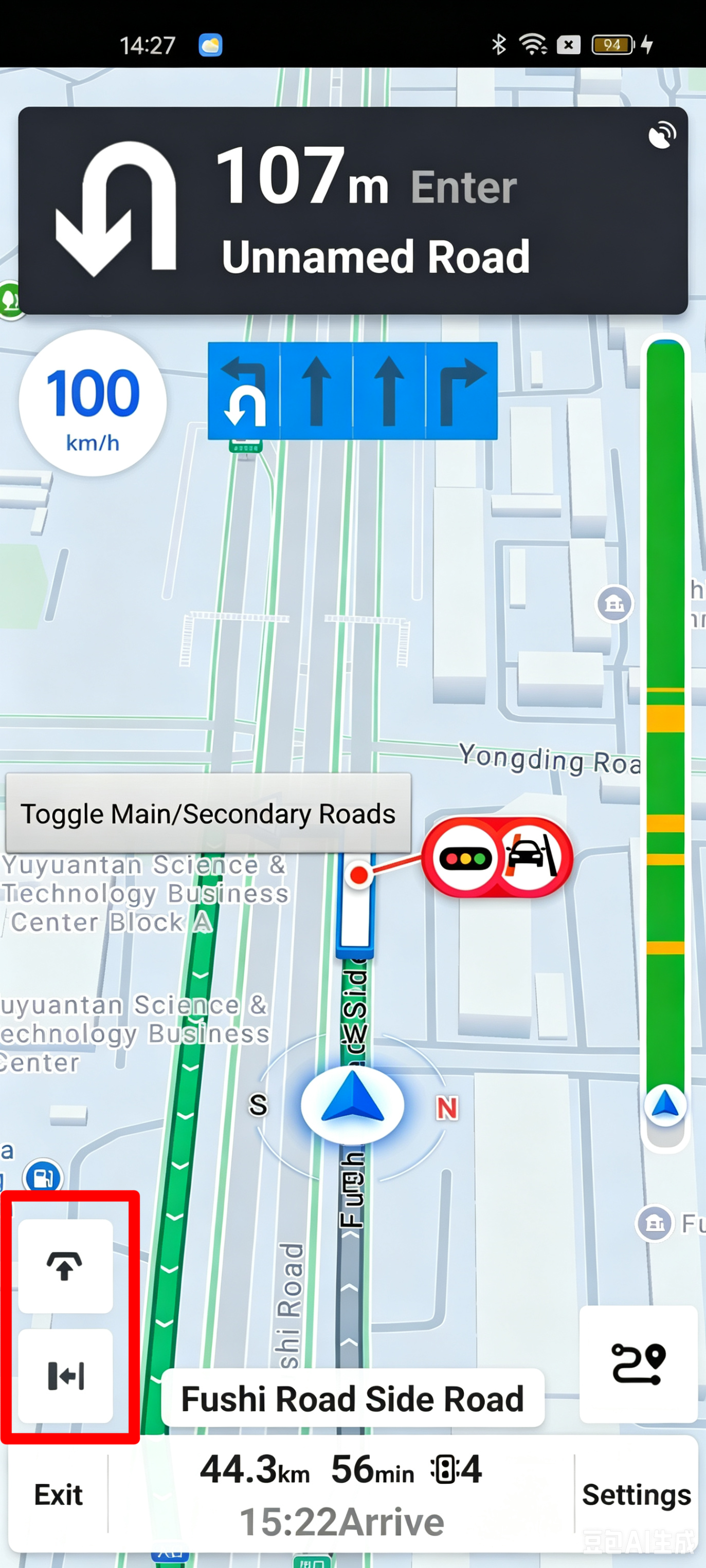
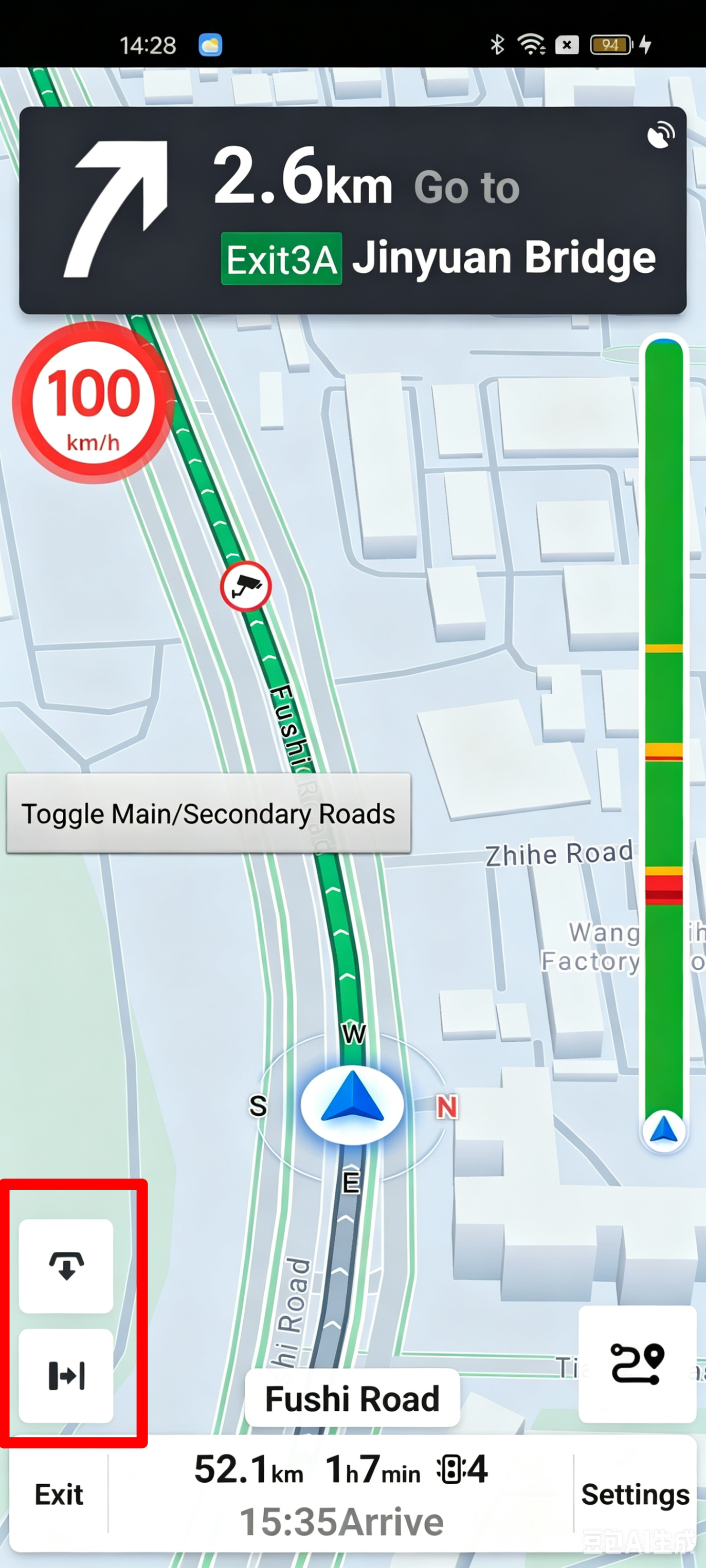
The following images show the user interface for parallel road switching in the navigation component: