
Android 10 Permissions
Overview
Android 10 (API level 29) introduces significant changes to location permission handling. This document explains the permission model and provides guidance on implementing location services for different target SDK versions.
Permission Types
- ACCESS_FINE_LOCATION and ACCESS_COARSE_LOCATION: These permissions grant foreground-only location access. They were the only location permissions available before Android 10.
- ACCESS_BACKGROUND_LOCATION: New in Android 10. This permission grants "Allow all the time" location access. When granted, the app can access location even when running in the background.
Behavior by Target SDK Version
targetSdkVersion < 29 (Android 10 or lower)
Google provides backward compatibility for apps targeting API levels below 29. If your app requests either ACCESS_FINE_LOCATION or ACCESS_COARSE_LOCATION, the system automatically includes ACCESS_BACKGROUND_LOCATION in the permission request. The resulting permission dialog displays all three options (see Figure 1).
targetSdkVersion >= 29 (Android 10 or higher)
- Foreground-only location: Request only the legacy permissions (ACCESS_FINE_LOCATION or ACCESS_COARSE_LOCATION). The permission dialog shows two options (see Figure 2).
- Background location (always): When targetSdk >= 29, the system enforces that foreground location permission (ACCESS_FINE_LOCATION or ACCESS_COARSE_LOCATION) must be granted first, before background location permission can be requested separately.
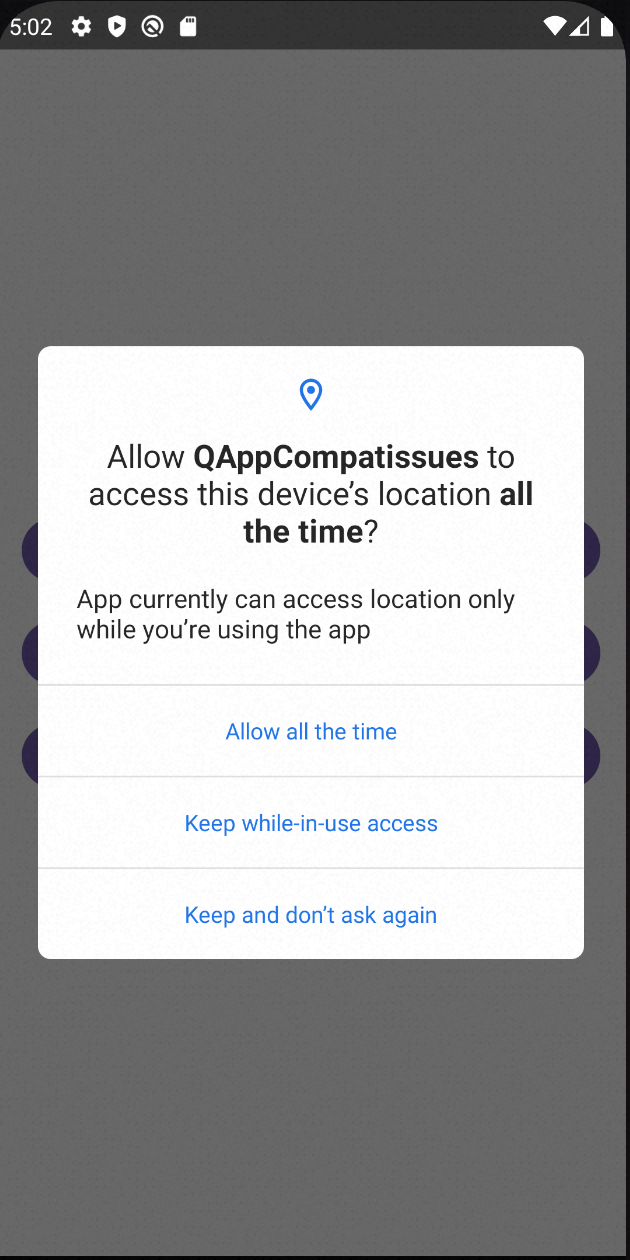
If ACCESS_BACKGROUND_LOCATION is requested directly without foreground location permission being granted first, the request will be automatically denied by the system (see Figure 3).
- Both foreground and background: Request both legacy permissions and ACCESS_BACKGROUND_LOCATION. The permission dialog displays all three options (see Figure 1).
Permission Dialogs
The following images illustrate the permission dialogs for different scenarios:
Figure 1: Three-option dialog (foreground + background)
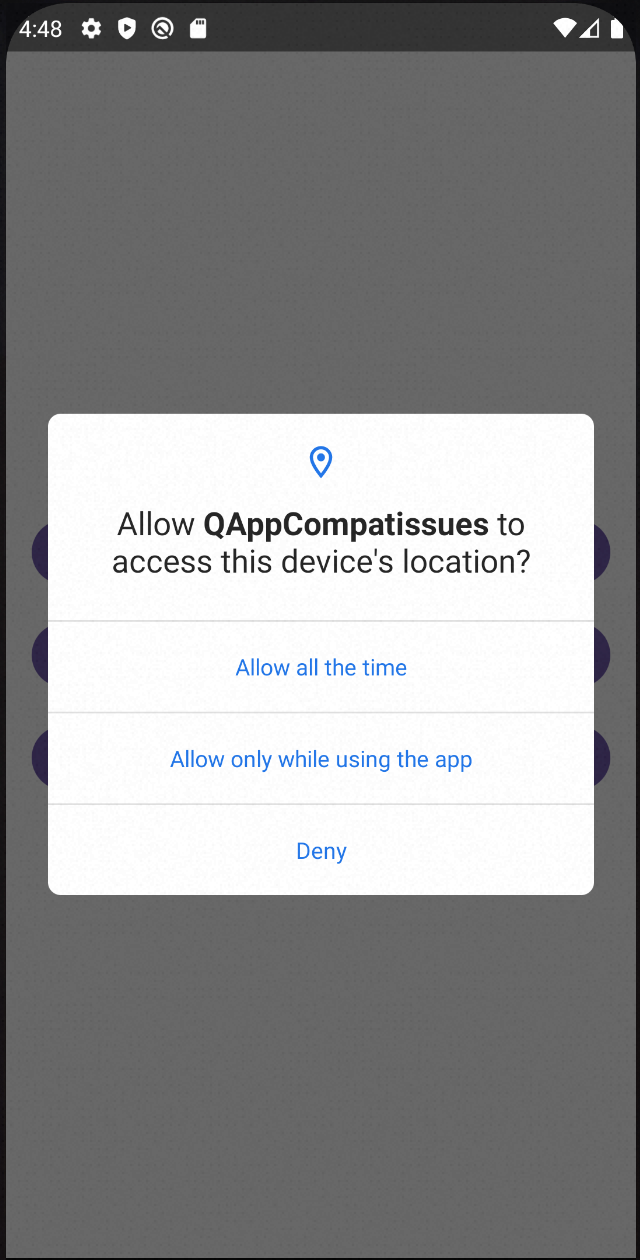
Figure 2: Two-option dialog (foreground only)
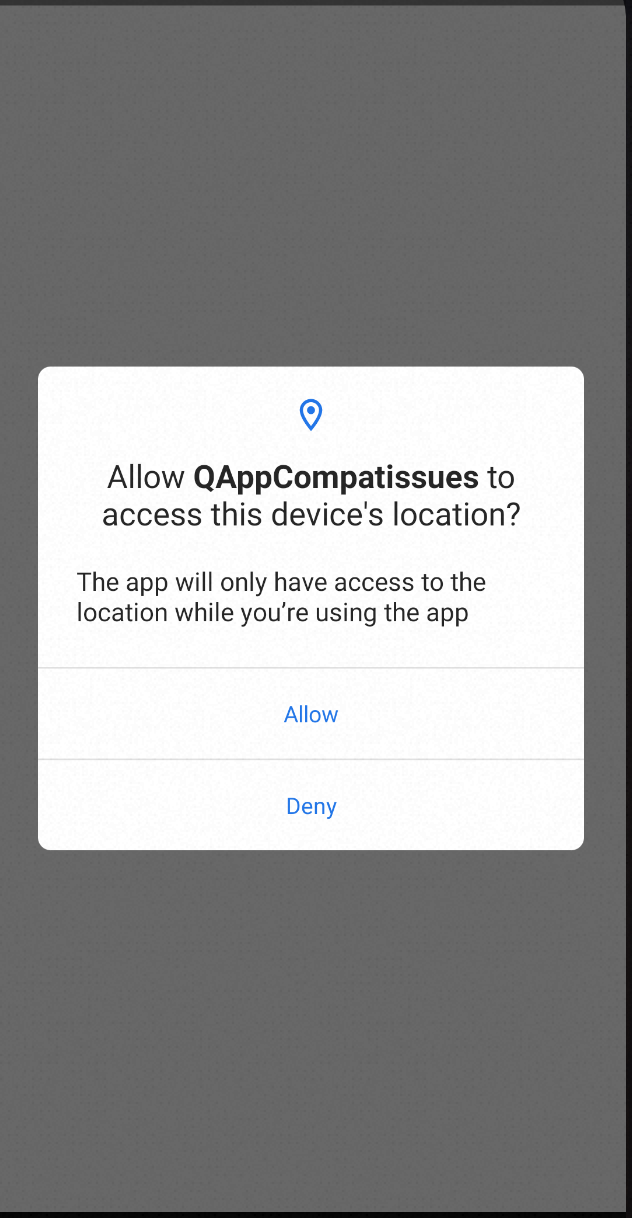
Figure 3: Single-option dialog (background only)
Foreground Service for Background Location
If the user selects "Allow only while using the app" (foreground-only), your app cannot access location when it moves to the background. To continue receiving location updates in this scenario, you must start a foreground service and declare the foregroundServiceType as "location".
Manifest Configuration
Add the following to your AndroidManifest.xml:
<manifest>
    ...
    <service
        android:name="com.amap.api.location.APSService"
        android:foregroundServiceType="location" />
</manifest>
> Note: The foregroundServiceType="location" attribute is required for any foreground service that accesses location data on Android 10 and above.